How do I start an online store?
Starting an online store can be simple if you focus on the essentials and avoid overcomplicating things. Here’s a step-by-step guide to get you going:
✅ Step 1: Decide What You’re Selling
- Your own products: Handmade, manufactured, or digital.
- Dropshipping: You sell, and a supplier ships.
- Print-on-demand: Designs printed on items like shirts, mugs, etc.
- Services: Coaching, consulting, classes, etc.
Tip: Validate demand first—use marketplaces, surveys, or social media to test interest.
✅ Step 2: Choose a Platform
Here are beginner-friendly options:
| Platform | Best for | Cost |
|---|---|---|
| Shopify | Physical or digital products | From $56/mth |
| Etsy | Handmade/vintage/crafts | Free to start (small listing fees) |
| WooCommerce | If you already use WordPress | Free plugin, but hosting required |
| Squarespace | Clean design, all-in-one | From $40/mth |
Quick pick: Use Shopify if you want an all-in-one, hassle-free option.
✅ Step 3: Set Up the Store
- Choose a name (check that the domain is available)
- Buy a domain name (usually around $10–15/year)
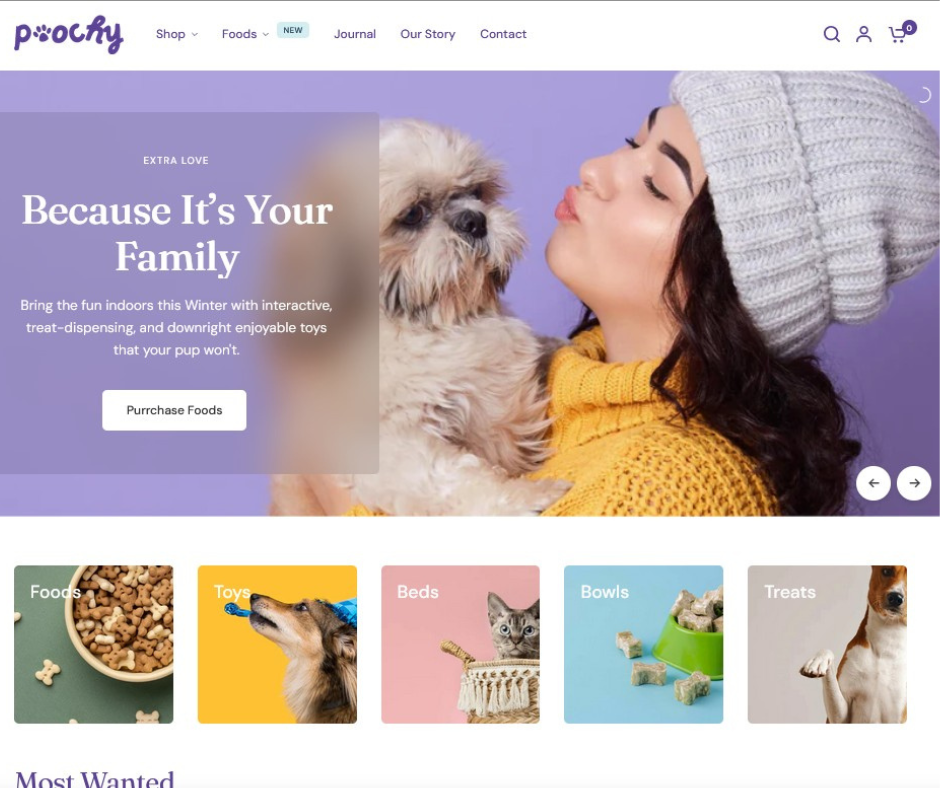
- Choose a theme or template
- Add products (images, descriptions, pricing, stock)
- Set up payments (Stripe, PayPal, Shopify Payments, etc.)
- Set shipping options (free, flat rate, or by weight)
- Add legal pages:
- Privacy Policy
- Terms & Conditions
- Shipping & Returns
- Test your checkout process (make sure it’s smooth)
✅ Step 4: Launch & Market
- Start with basic traffic sources:
- Meta or Google Ads (for faster traffic)
- Pinterest or TikTok (for visual products)
- Email marketing (start collecting emails early)
- SEO-optimized blog content
- Create urgency with:
- Limited-time offers
- Scarcity (low stock messages)
- Social proof (testimonials, reviews)
✅ Step 5: Keep It Simple
Start lean. Focus only on:
- Your best 1–3 products
- One main sales channel (like Meta or Pinterest ads)
- One clear, trustworthy brand message